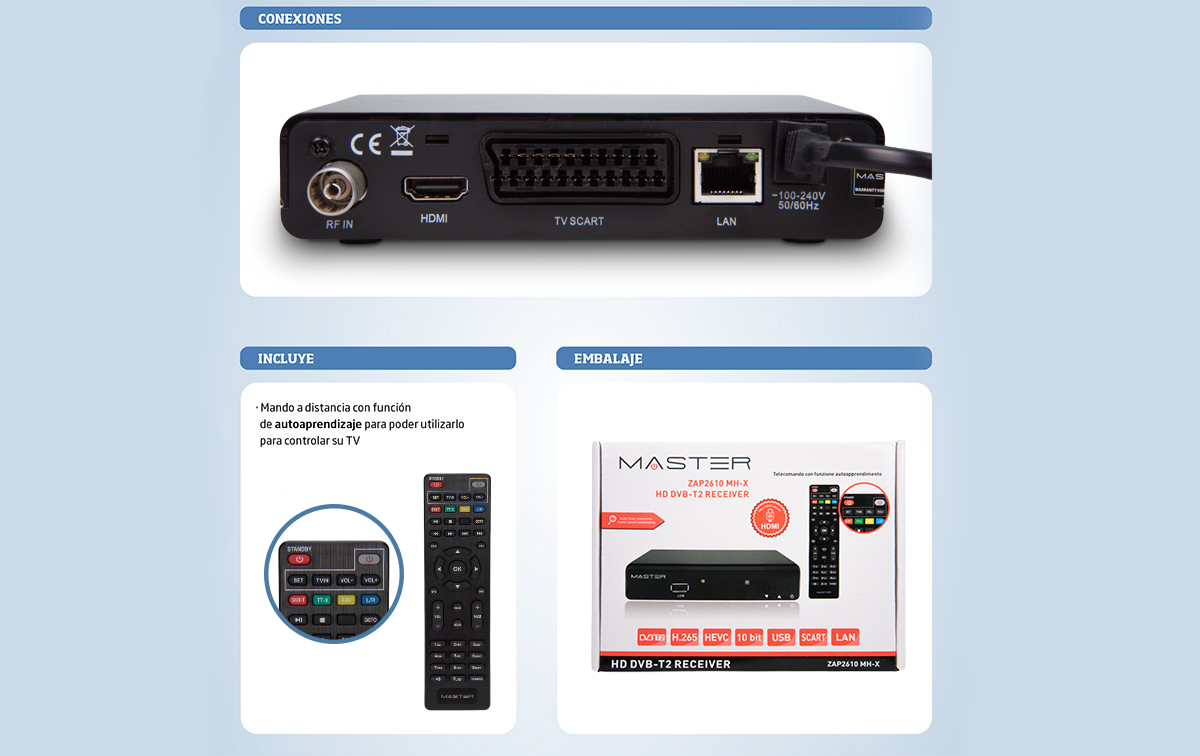
ZAP2610 MH-X
What do I have to do to continue watching TV channels on my old television?
If your old TV does not have a built-in digital tuner and relies on analog signals, you may need to take some actions to continue watching TV channels:
External Digital Tuner: You can purchase an external digital tuner, also known as a DTT (Digital Terrestrial Television) decoder. This device will convert digital signals into a format that your old television can understand. Connect the tuner to your TV via the AV (audio/video) or HDMI connection, depending on the options available on your TV and the tuner. If your old TV does not have a built-in HD digital tuner or you use a receiver DTT that is not HD, you will not be able to watch television channels. Since February 14, 2024, DTT SD (standard definition) transmissions have ceased to exclusively broadcast all channels in HD (high definition) with much better image quality.
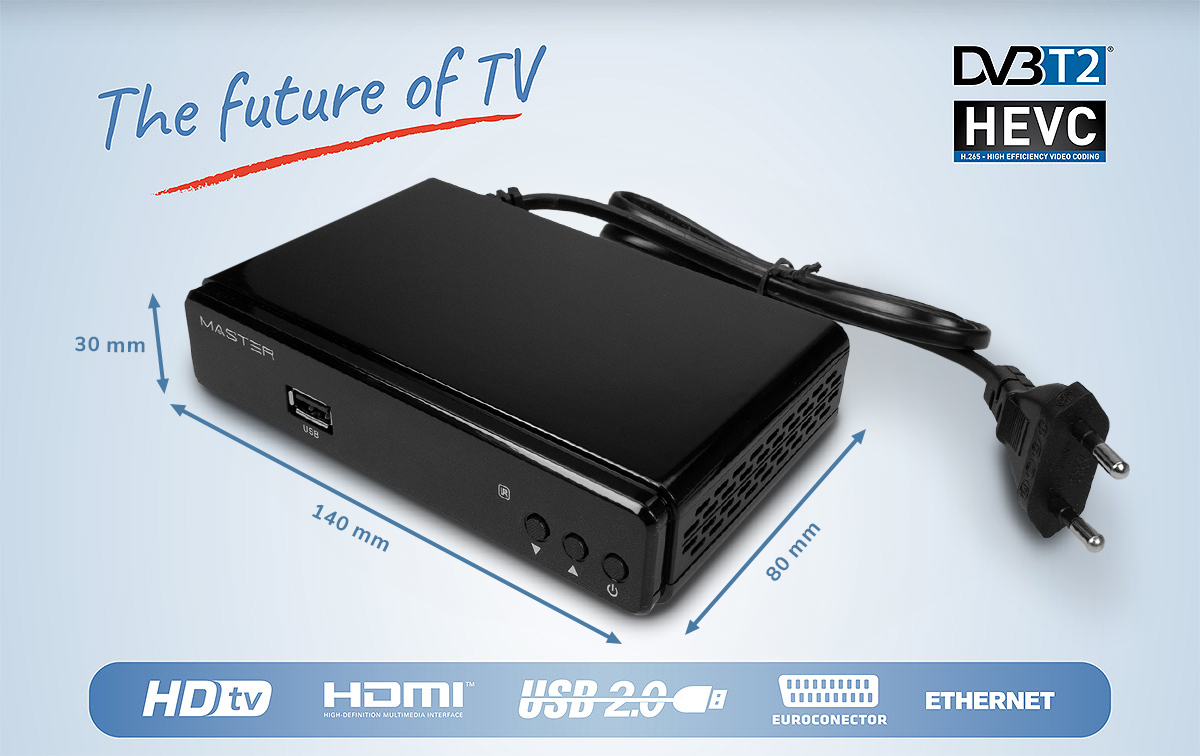
To see the DTT channels on your screen again, we recommend this new generation DTT HD receiver, also called TDT-2 or DVB-T2
External Digital Tuner: You can purchase an external digital tuner, also known as a DTT (Digital Terrestrial Television) decoder, such as this Nordmende ZAP26510ND-L model. This device will convert digital signals into a format that your old television can understand. Connect the tuner to your TV via AV (audio/video) or HDMI connection, depending on the options available on your TV and tuner.
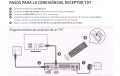
Connect the decoder to the television: Use AV (audio/video) or HDMI cables to connect the DTT decoder to your old television. Most DTT decoders will have a composite video (AV) or HDMI output for connection.
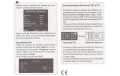
Configure the decoder: Once you have connected the DTT decoder to the television, follow the manufacturer's instructions to configure it correctly. This usually involves scanning for available channels so that the set-top box can tune in and display the digital television signal.
Ensure good signal reception: Verify that you have an adequate antenna to receive digital television signals. You may need an outdoor or indoor antenna designed specifically for digital television, depending on the signal quality in your area.
By following these steps, you will be able to continue watching TV channels on your old TV even after the transition to digital TV.
Note: HDMI cable and AAA batteries are not included
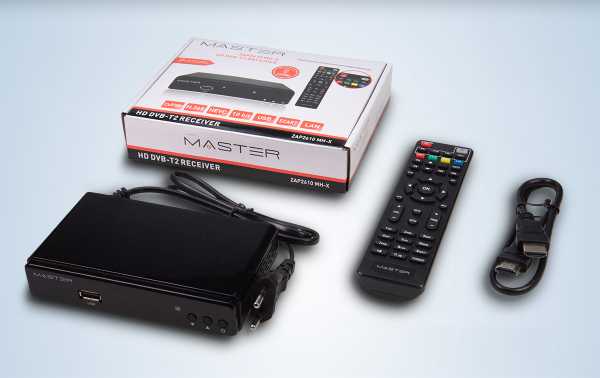
Kit content
- 1 ZAP2610 MH-X Tuner
- 1 Remote control
- 1 HDMI channel length 50cm