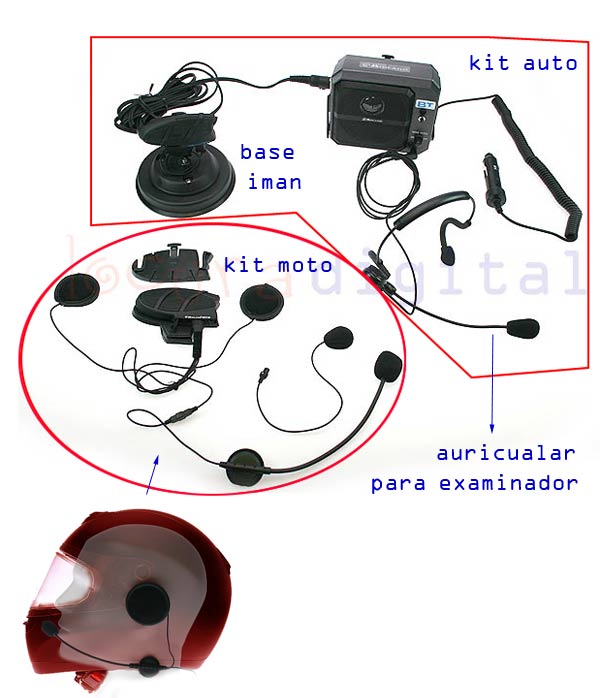
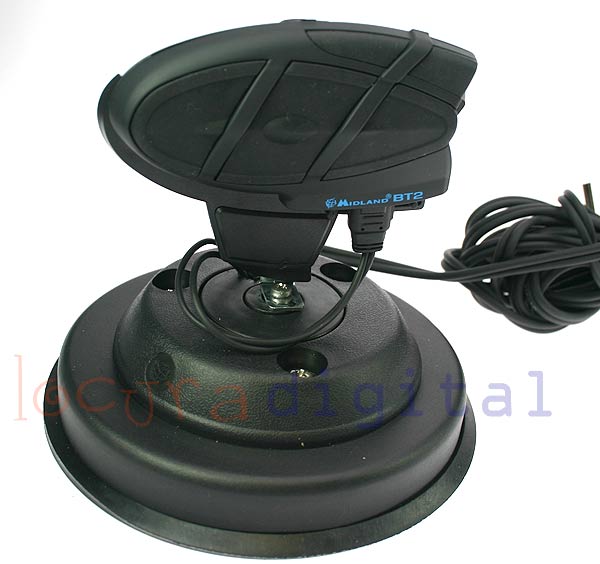
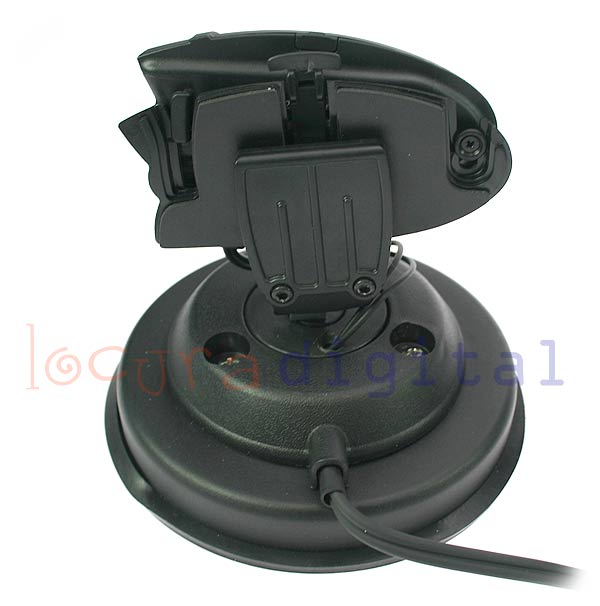
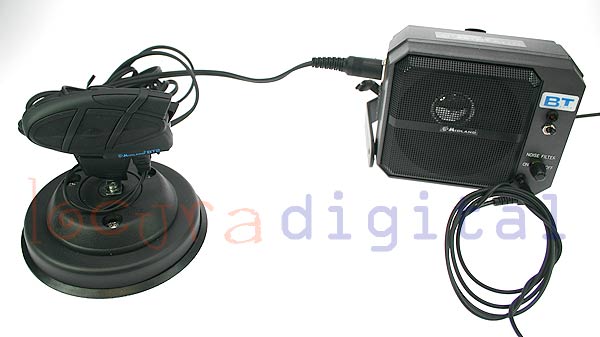
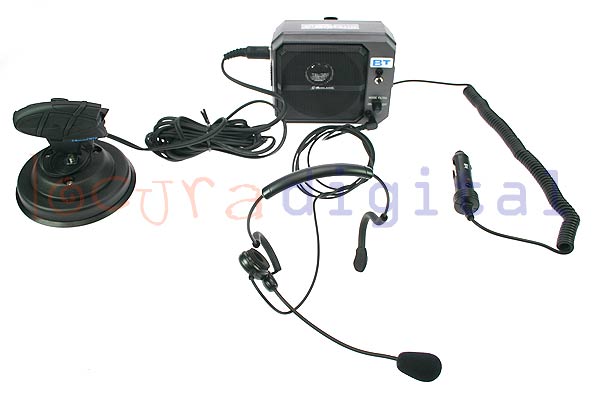
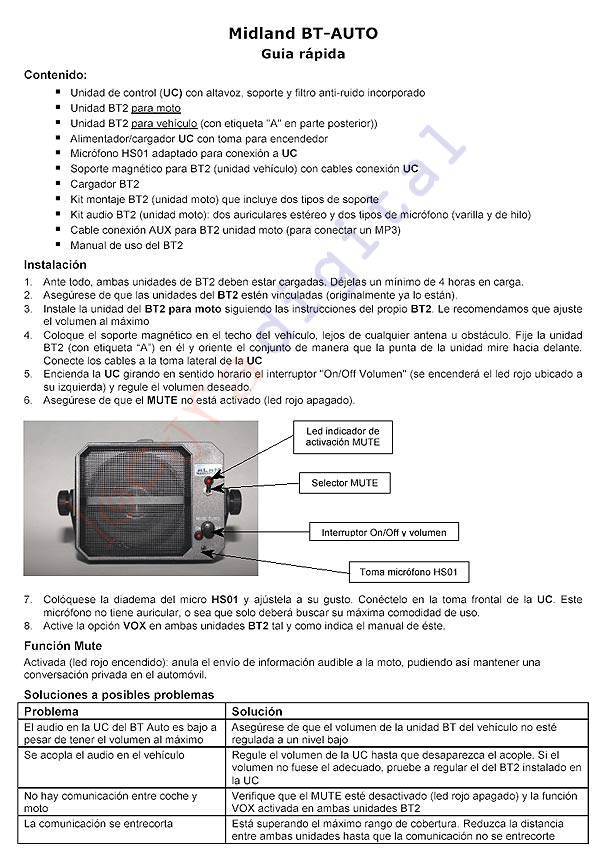
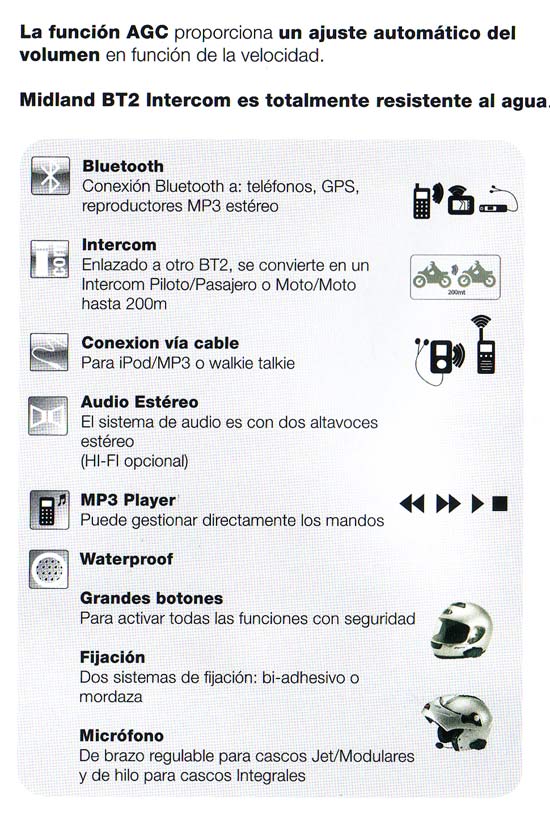
Spanish manual midland see BT2 click>>>> here <<<<
Note:
Some customers tell us that the volume buttons and - BT2 are inverted, so the volume up button now low and vice versa, that is because the client will inadvertently entered the setup menu, so you explained that should be done to turn this feature or leave it in the original position.
To switch the functionality of controls / - proceed as follows: scroll to the setup (red LED always on) press twice the "Volume -" the red LED switches to blue for 1 second and back to red exit the setup mode by pressing and holding for 3 seconds Intercom Now the "Vol " will reduce the volume and "Volume -" the increase To return to default scroll to the setup (red LED always on) press twice the "Volume -" the red LED switches to blue for 1 second, makes a blue flash and red again exit the setup mode by pressing and holding for 3 seconds Intercom |